Purpose-built output
The generator is configured to turn a subject into a photo prompt with camera, lens, composition, lighting, and mood details, so the result is useful without rebuilding it from a generic prompt.
Turn a simple idea or reference image into camera-ready photography prompts. This focused tool helps you turn a subject into a photo prompt with camera, lens, composition, lighting, and mood details, with controls for language, model, and generation quality.
Optimized for Nano Banana, Flux, Midjourney, Stable Diffusion and other image models.
The prompt will be displayed in the output box after the generation is complete.
Browse visual references and open the full prompt on Inspia.
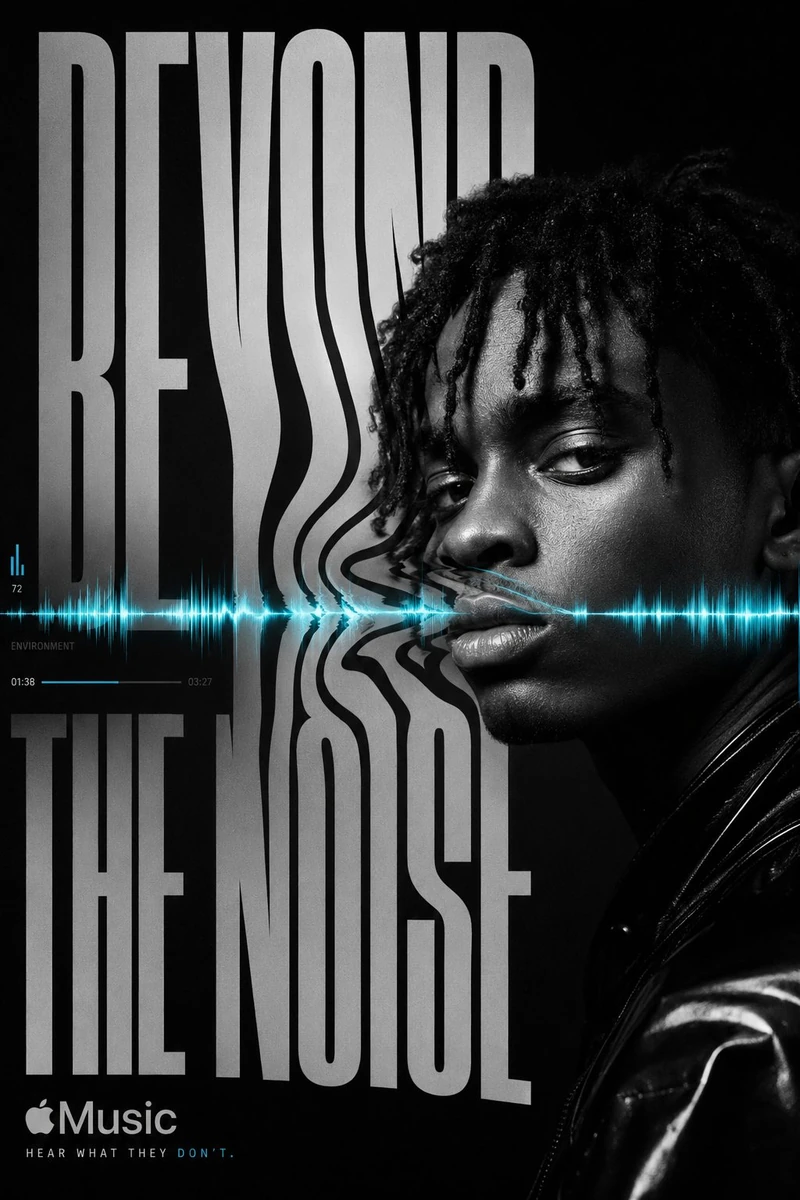
By @hemayxn
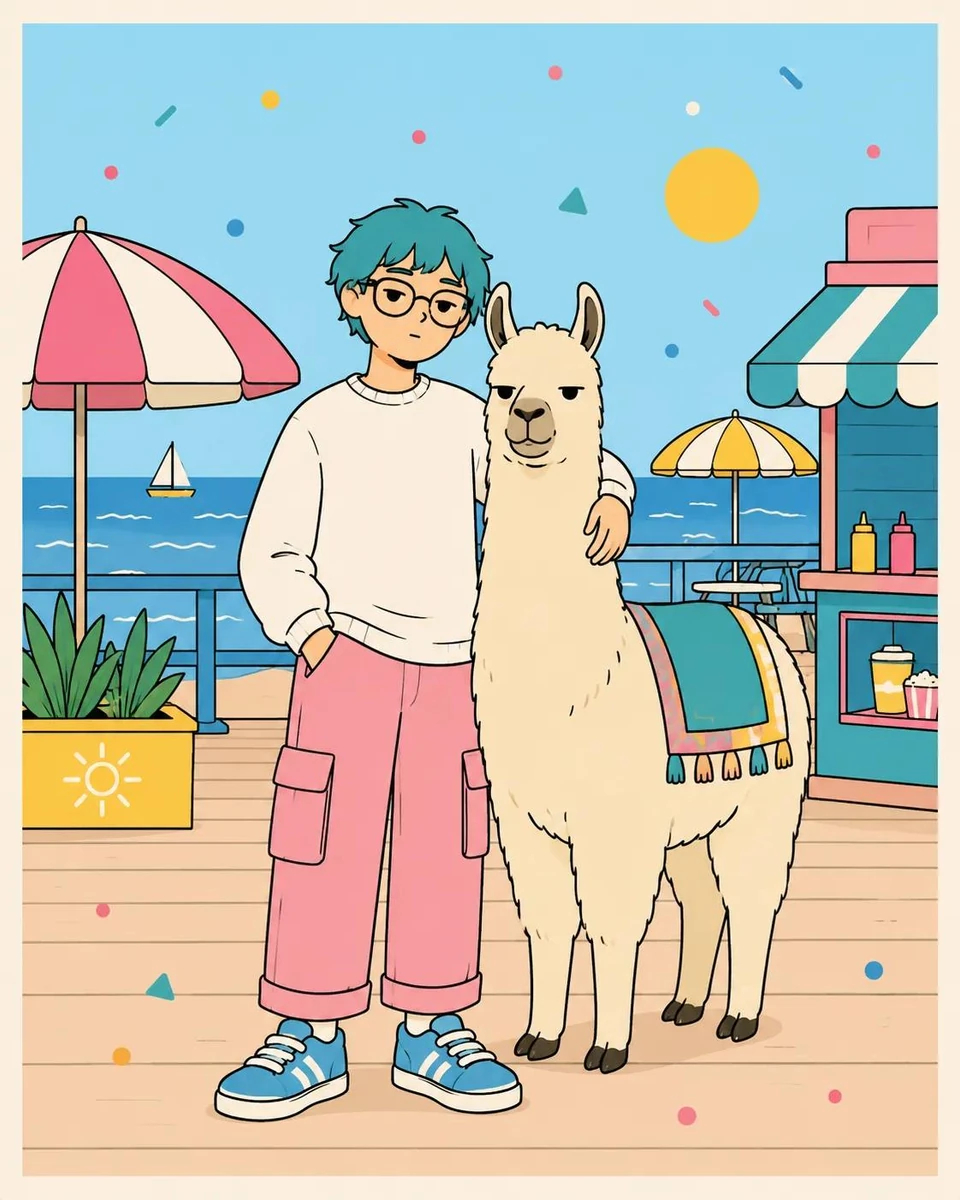
By @Taaruk_
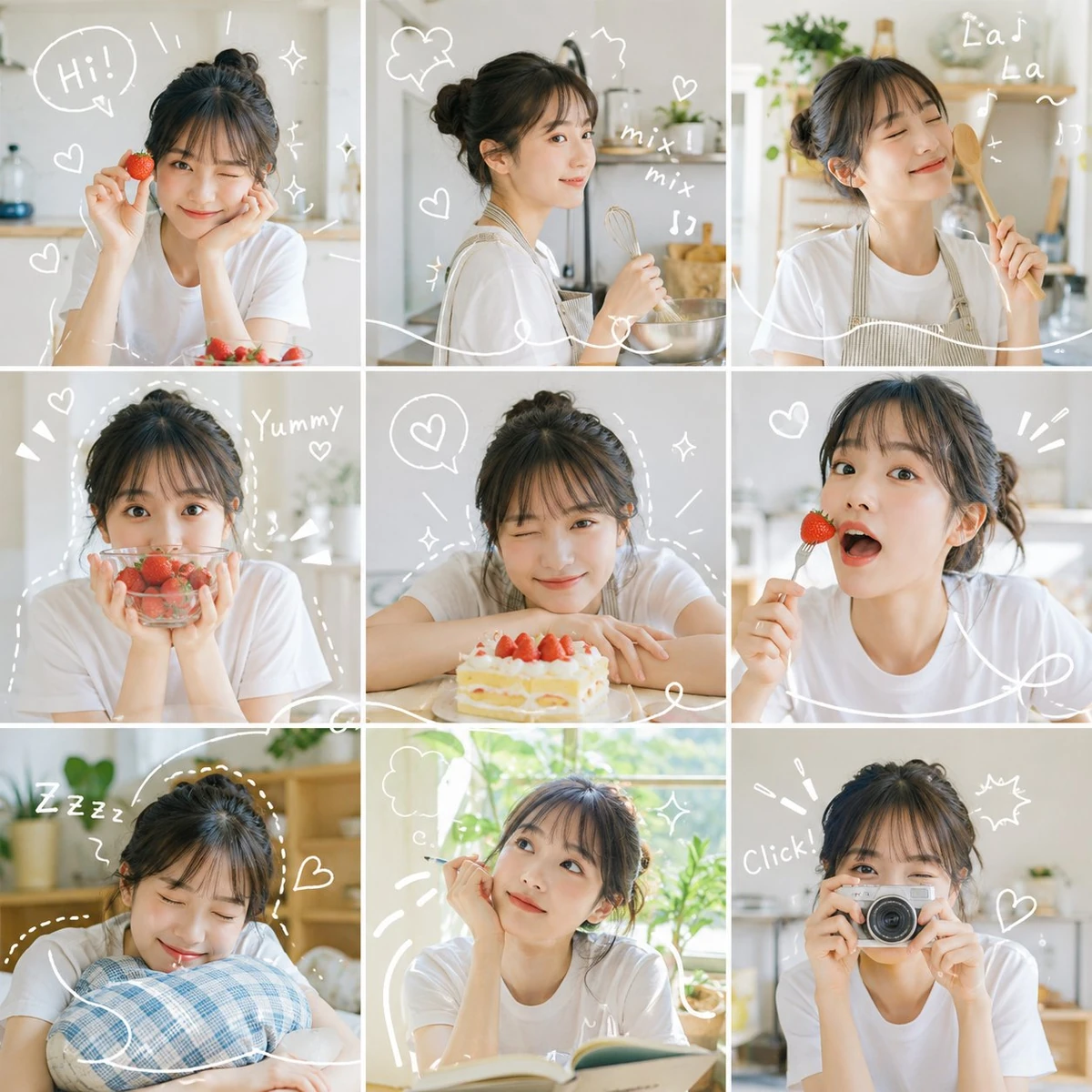
By @MissDelulu9
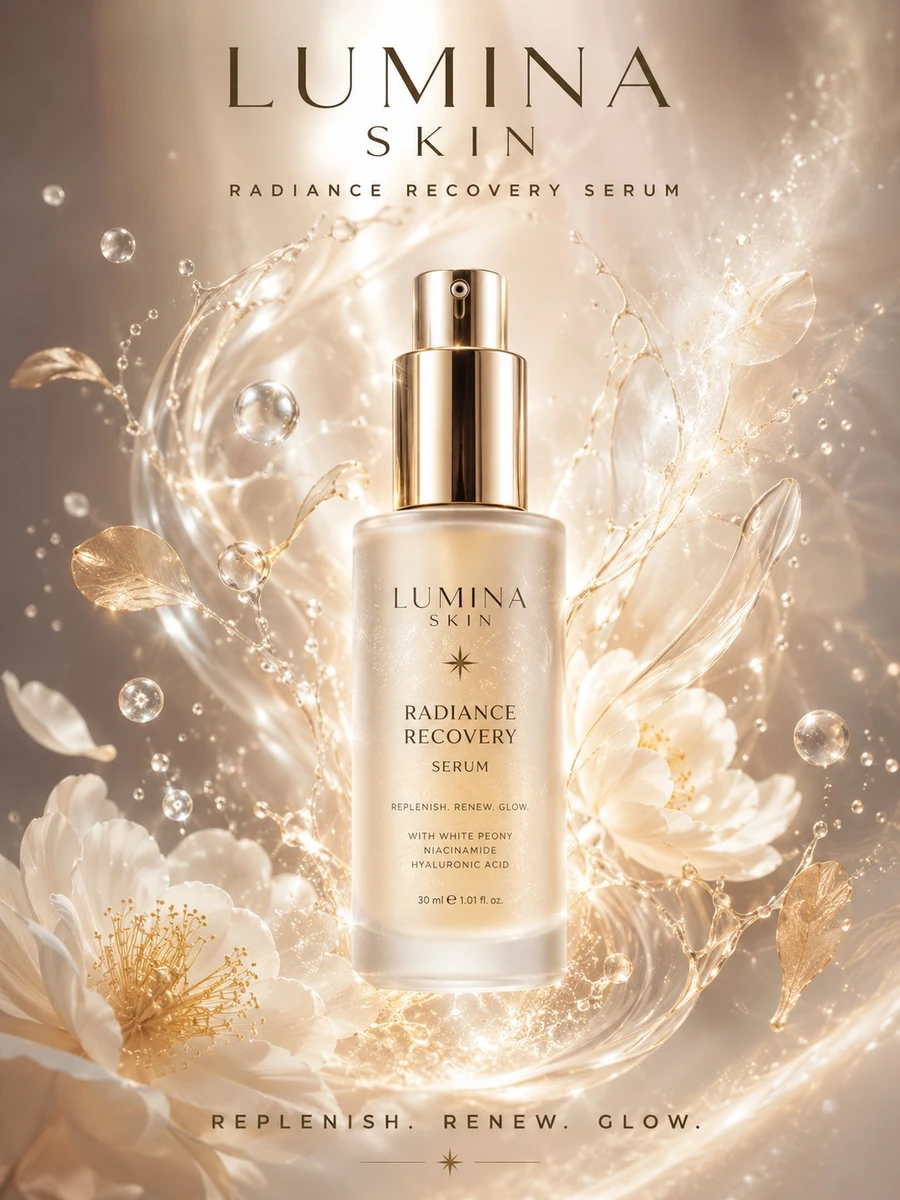
By @sada_ai
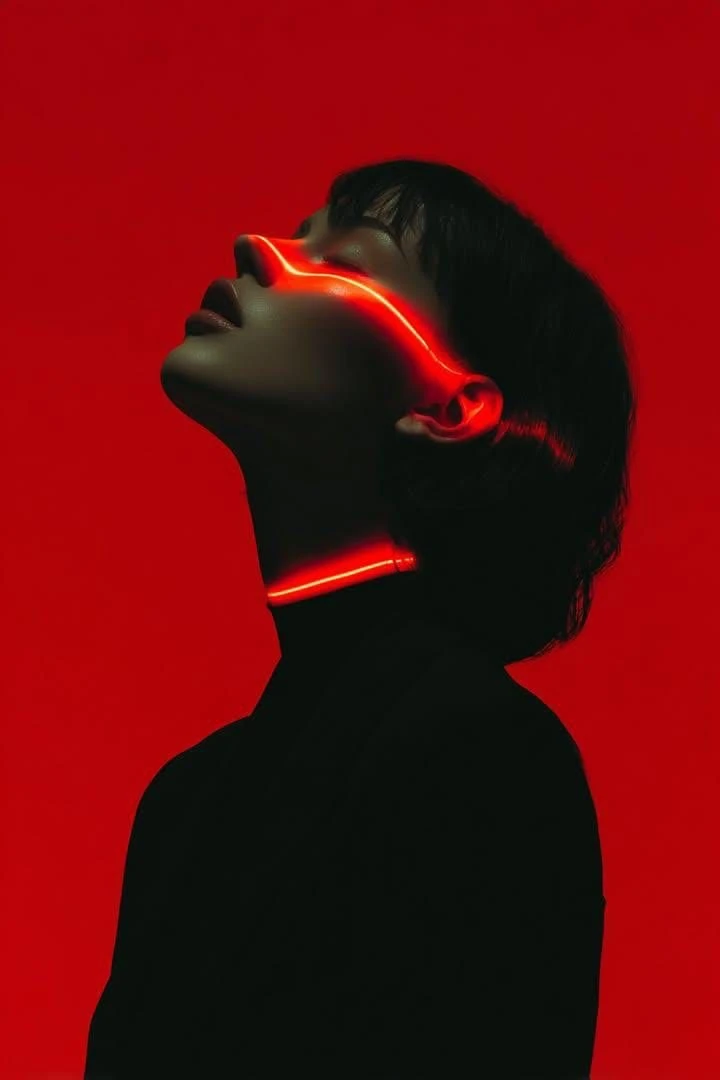
By @Kashberg_0
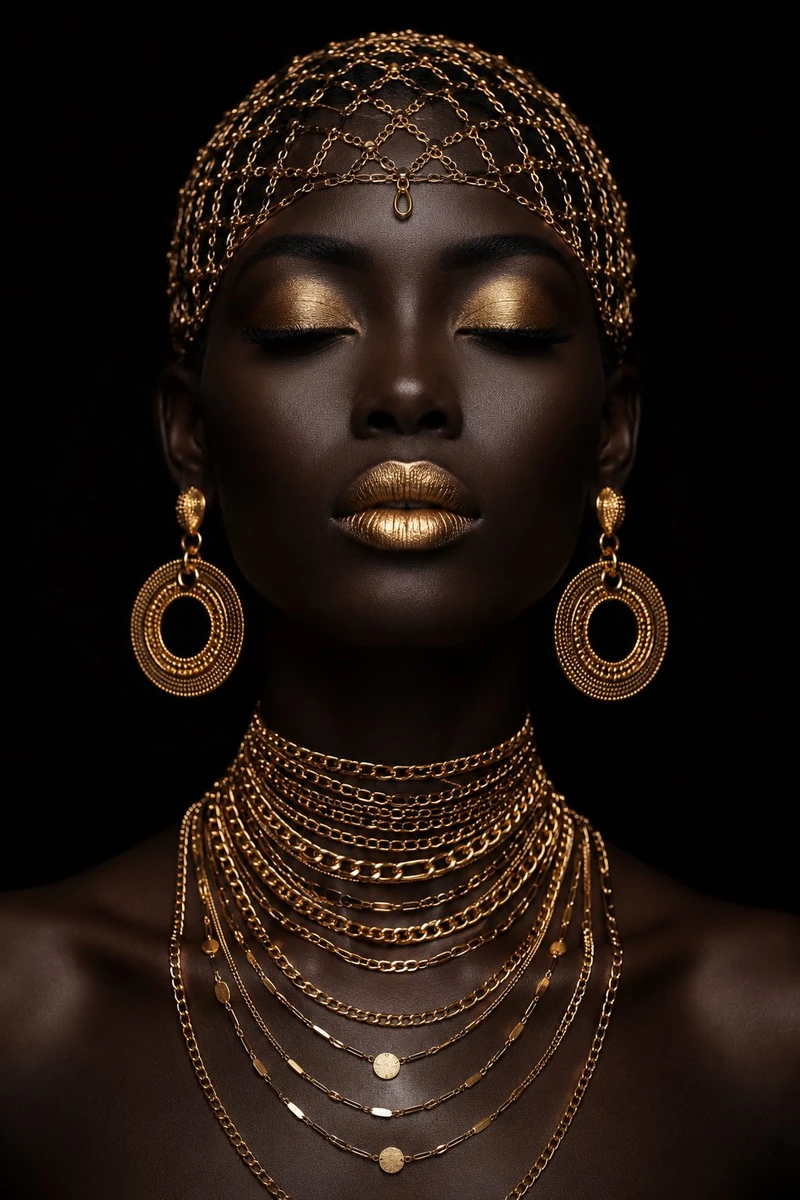
By @iamrealsnow
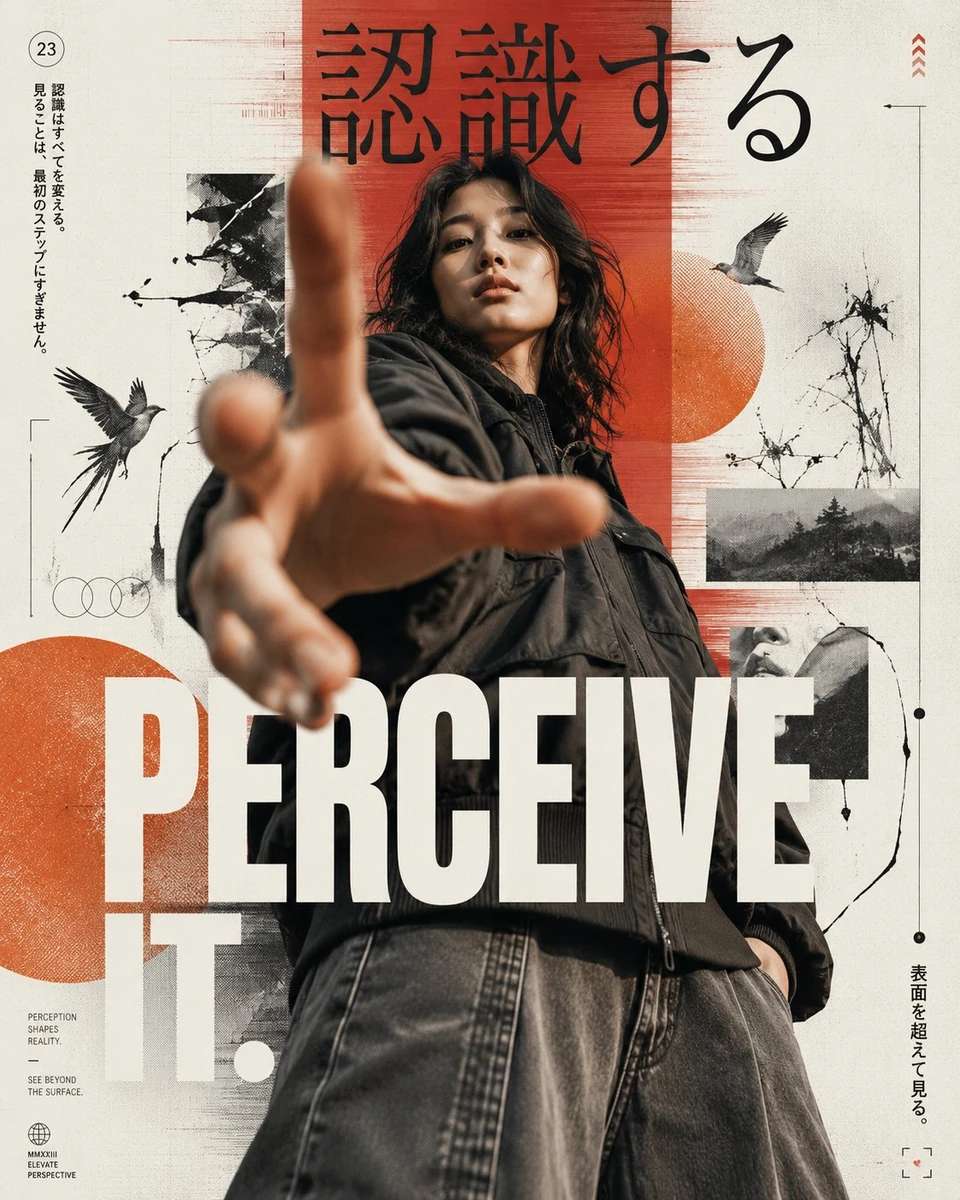
By @harboriis
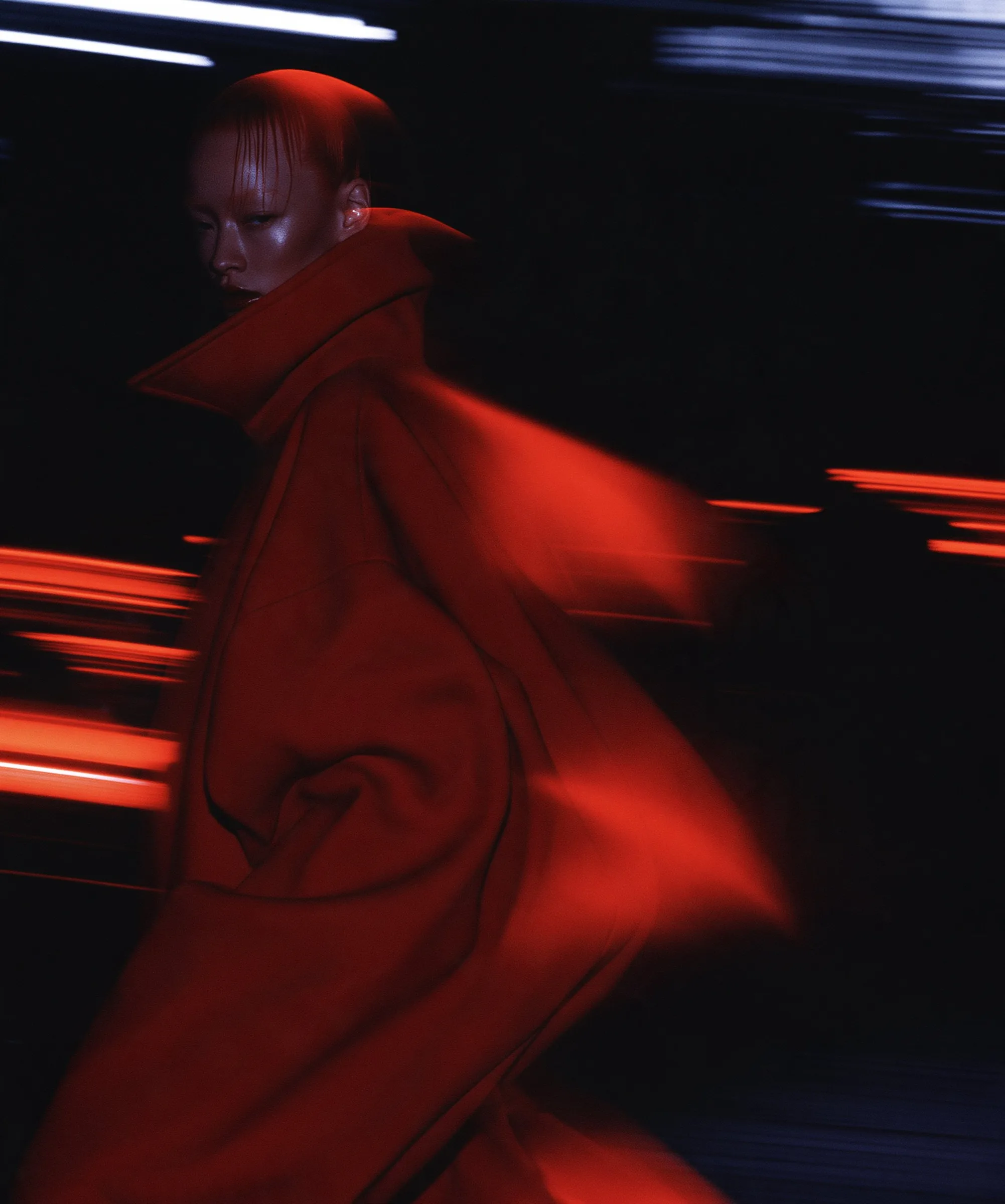
By @heathergreen
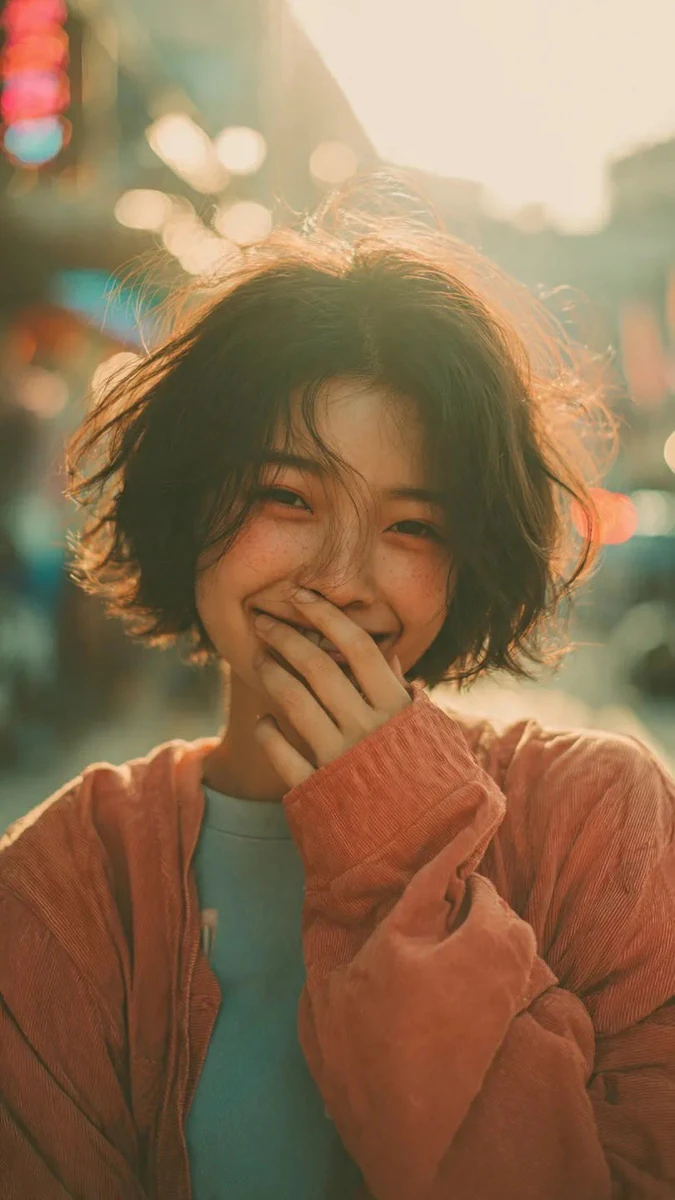
By @Sairah_0
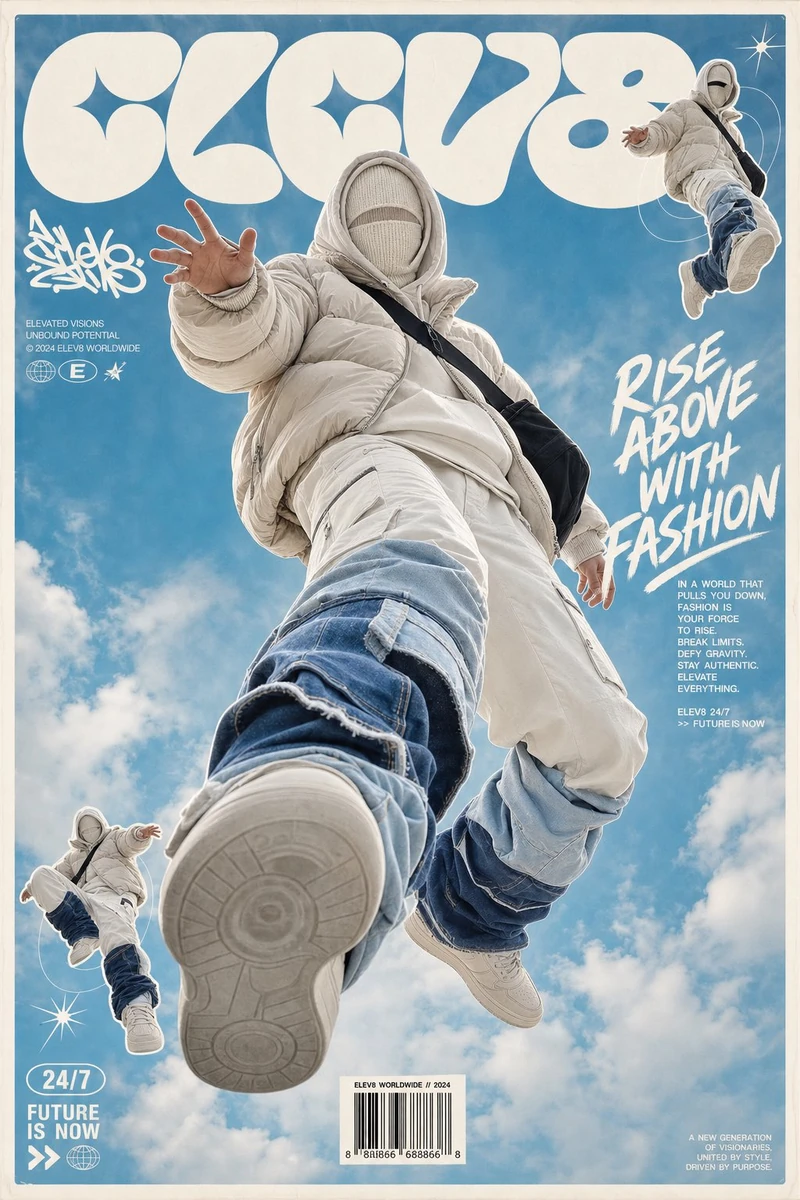
By @im_shahid7
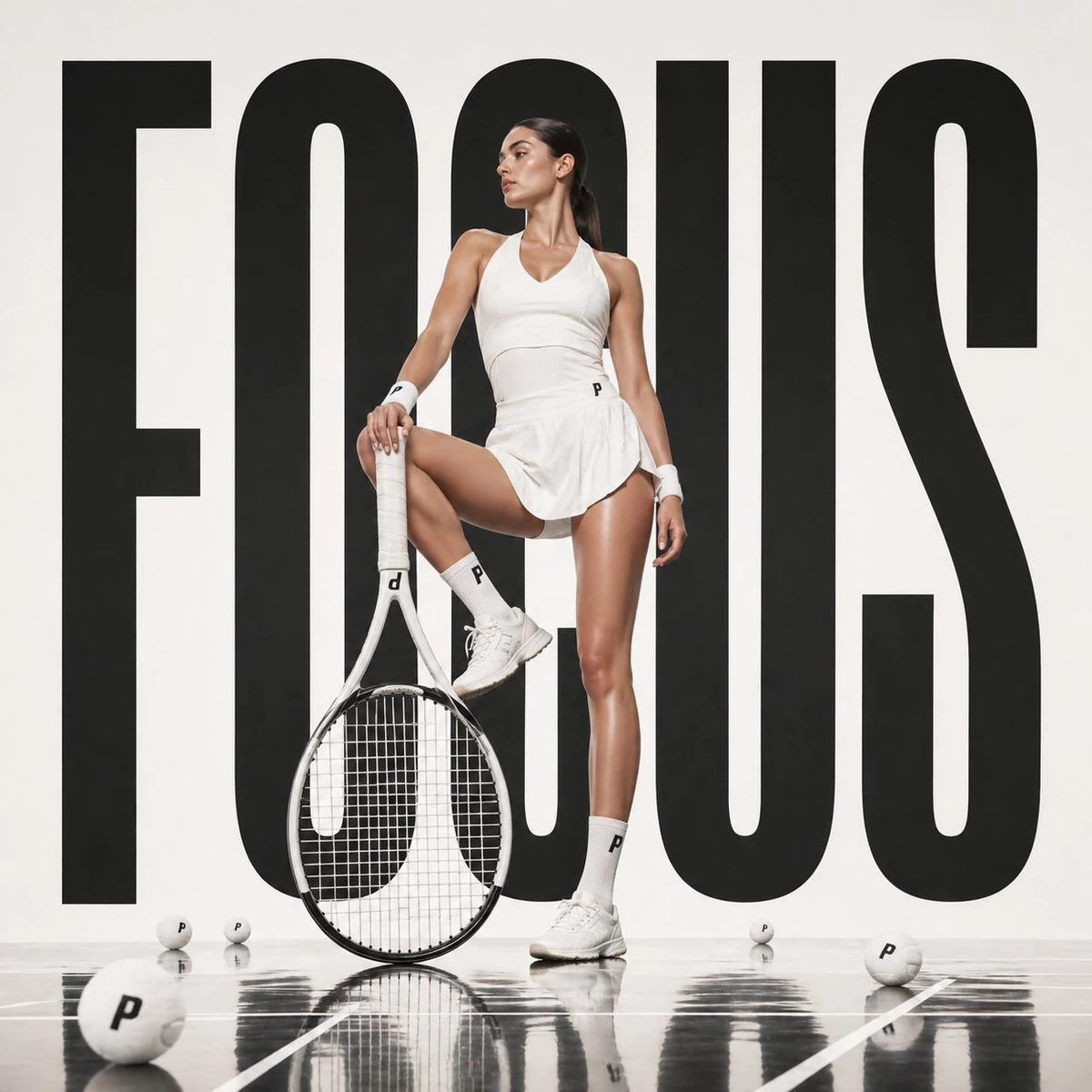
By @AIwithSynthia
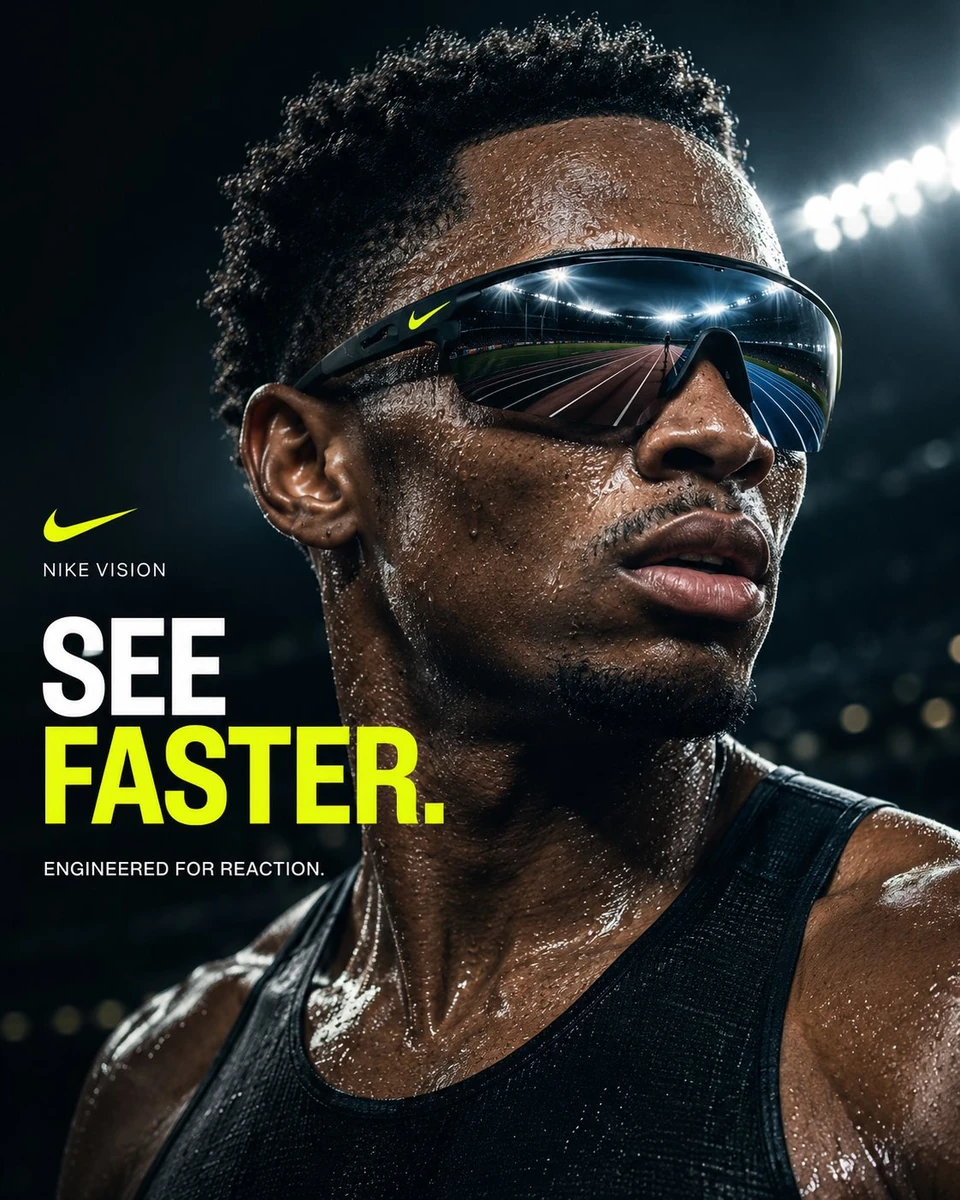
By @Diplomeme
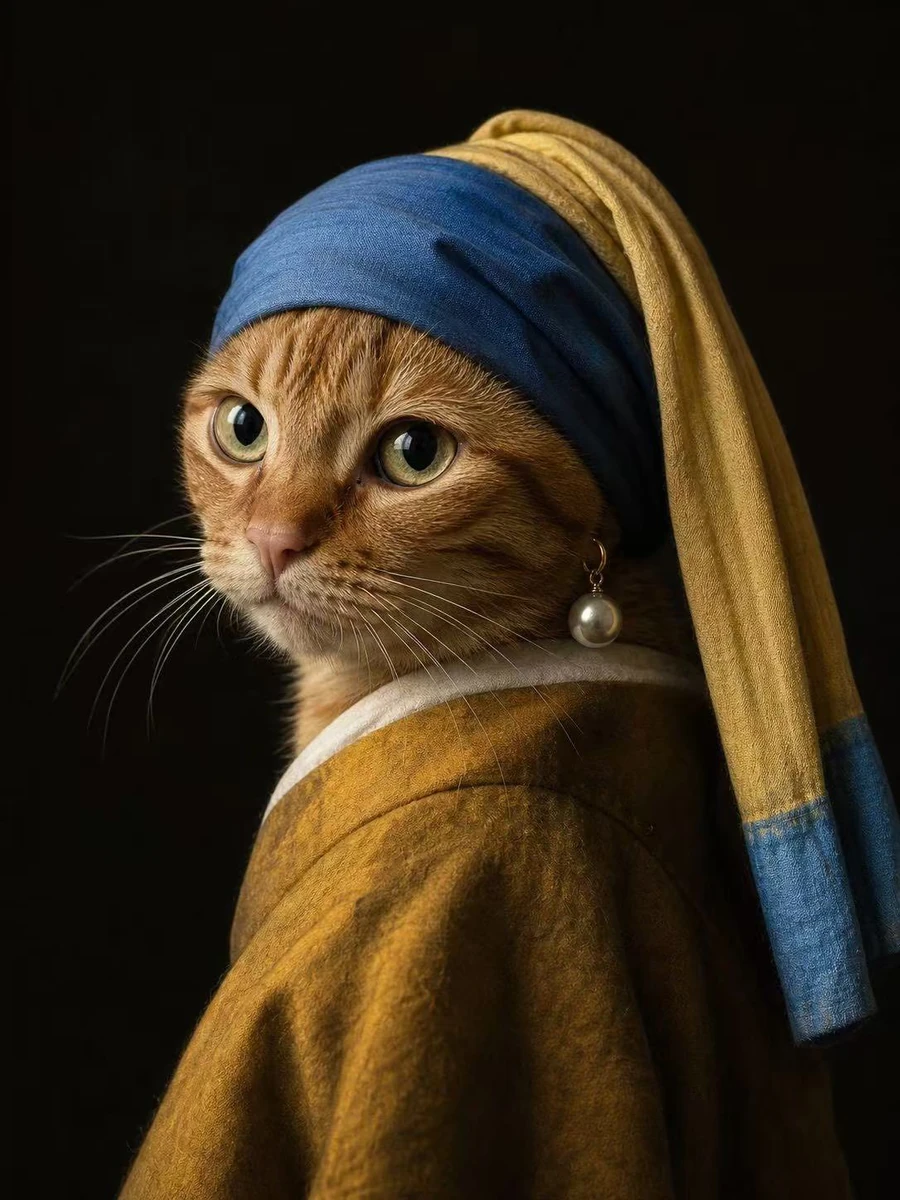
By @Shinning1010
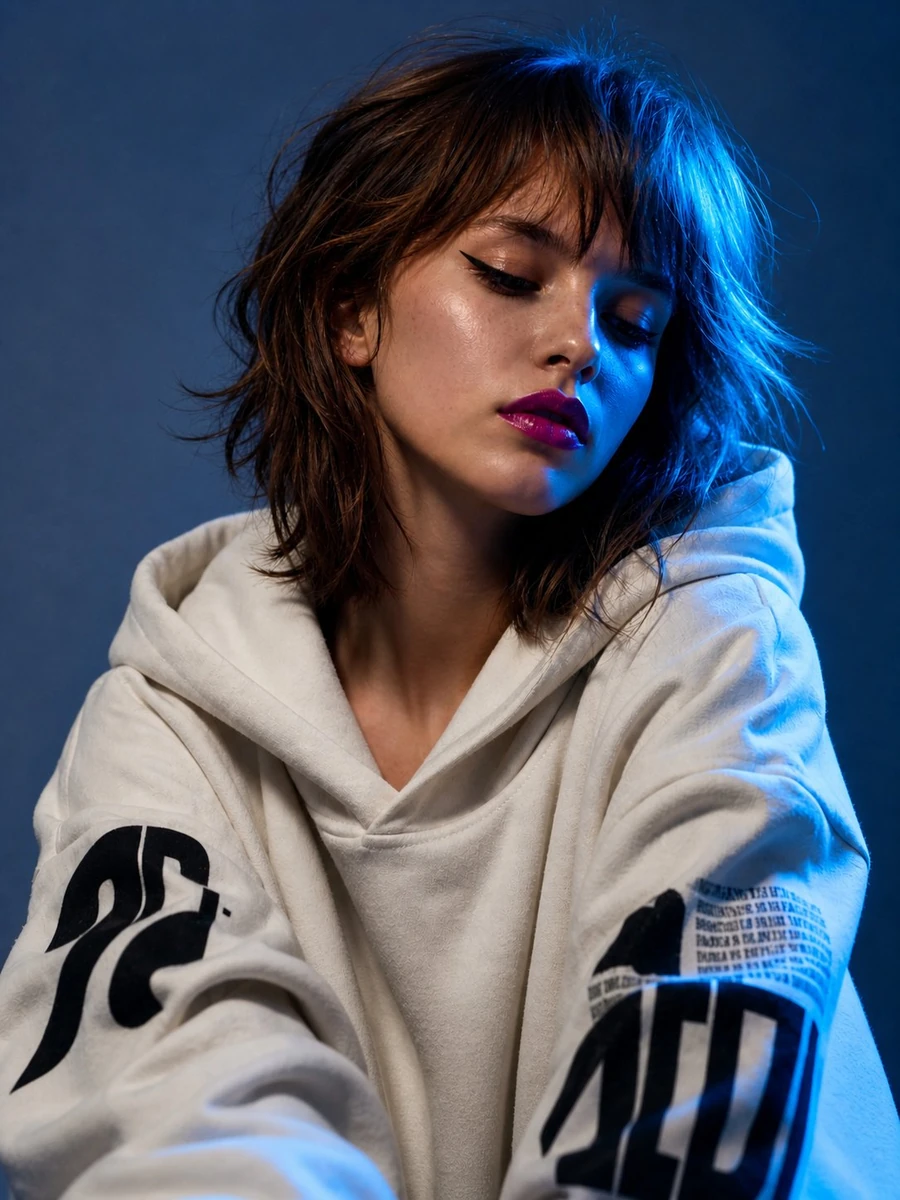
By @harboriis
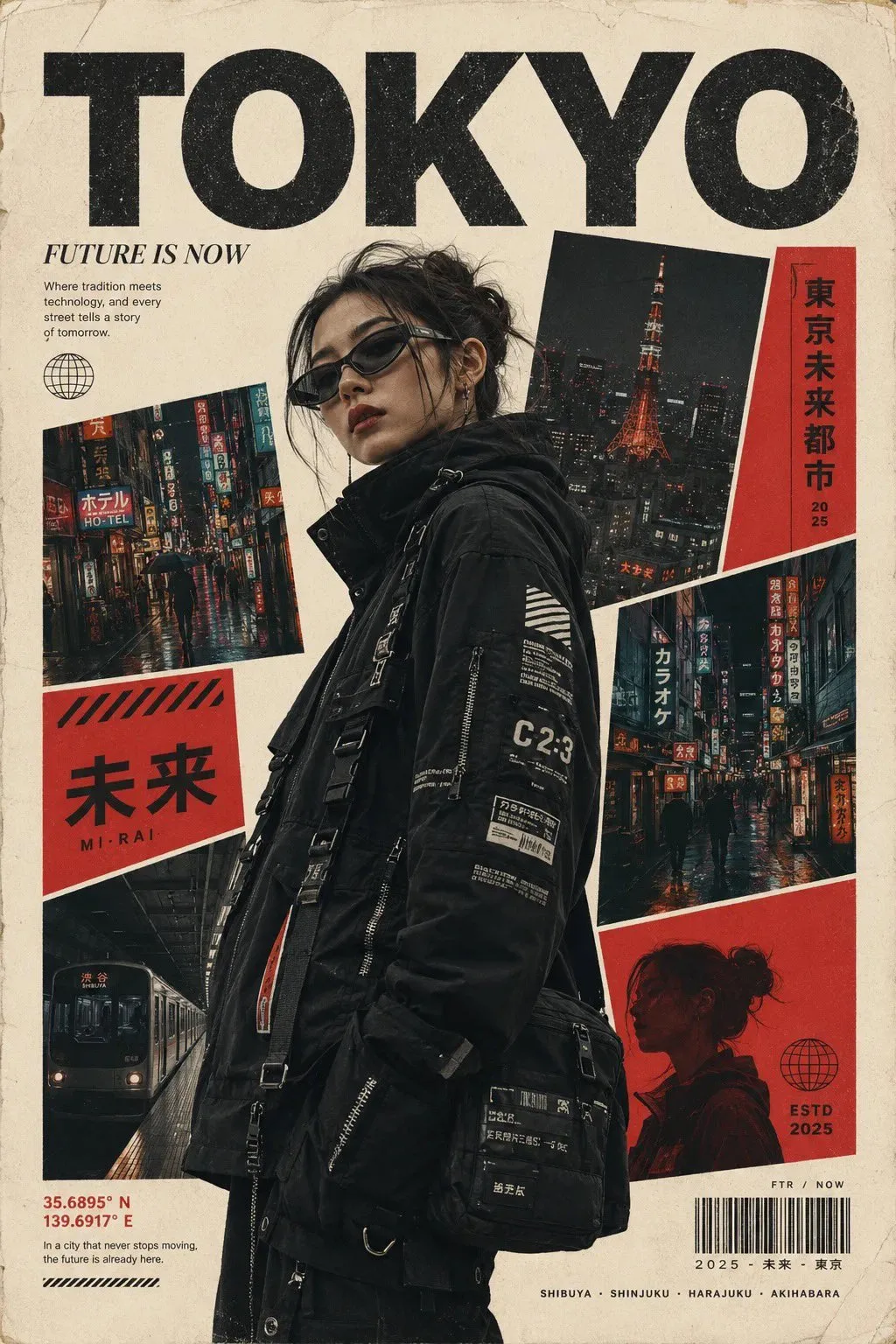
By @Sairah_0
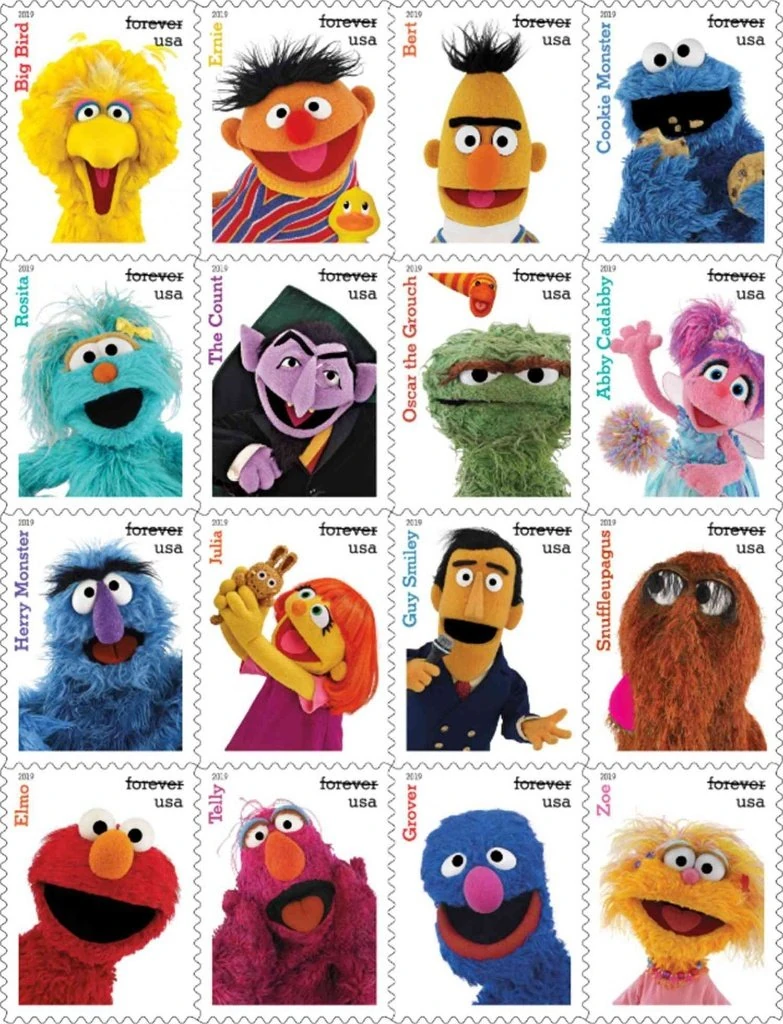
By @firatbilal
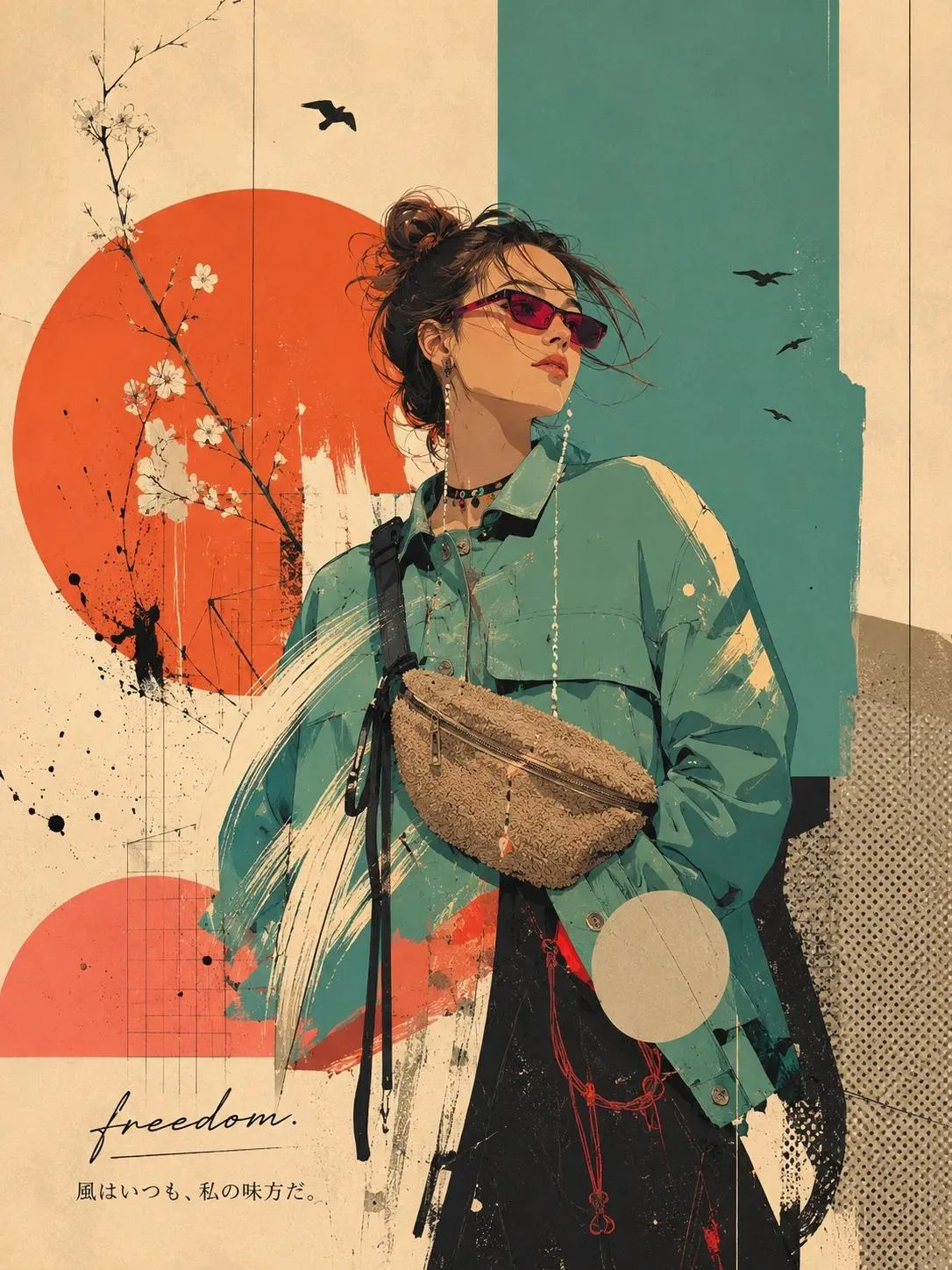
By @Ciri_ai
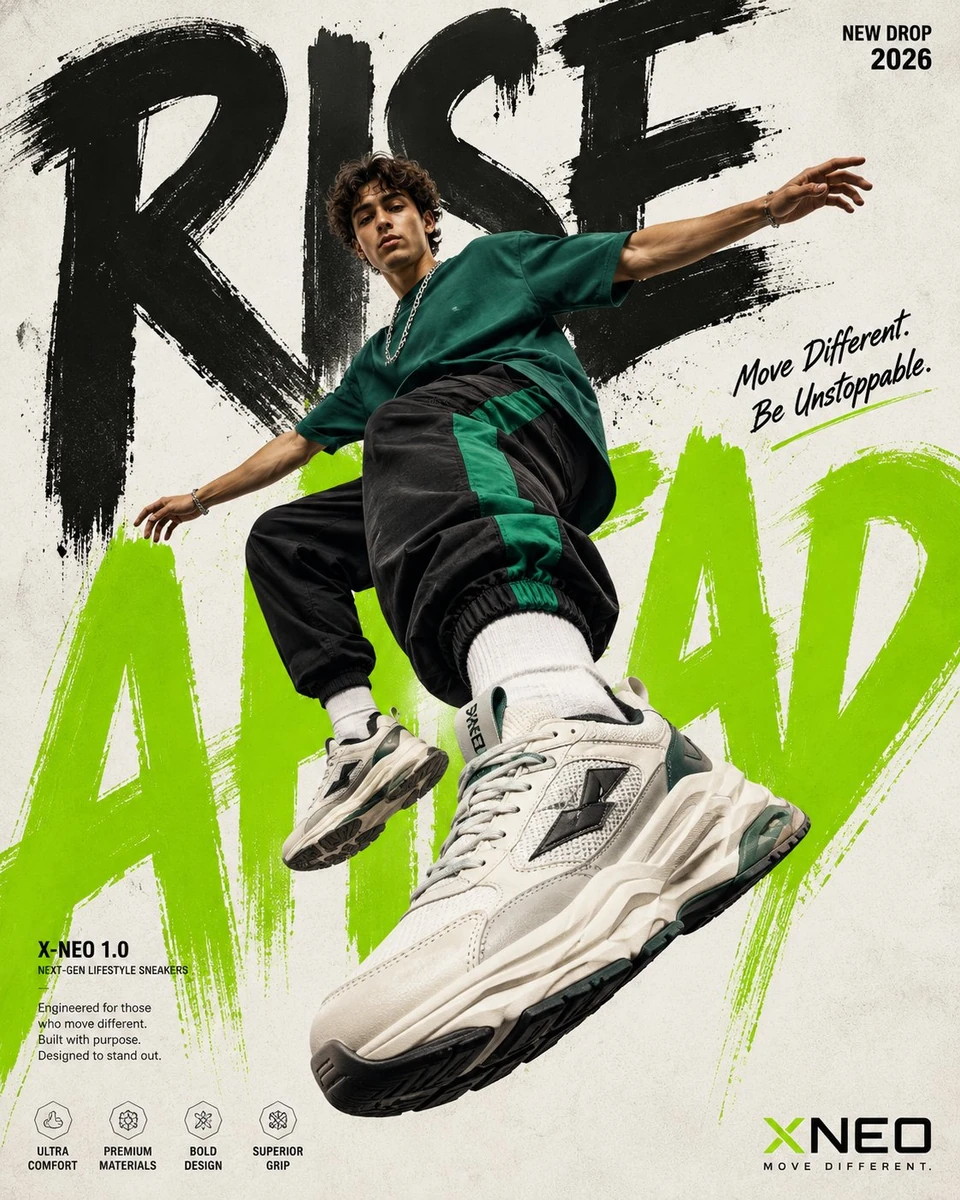
By @Shorelyn_
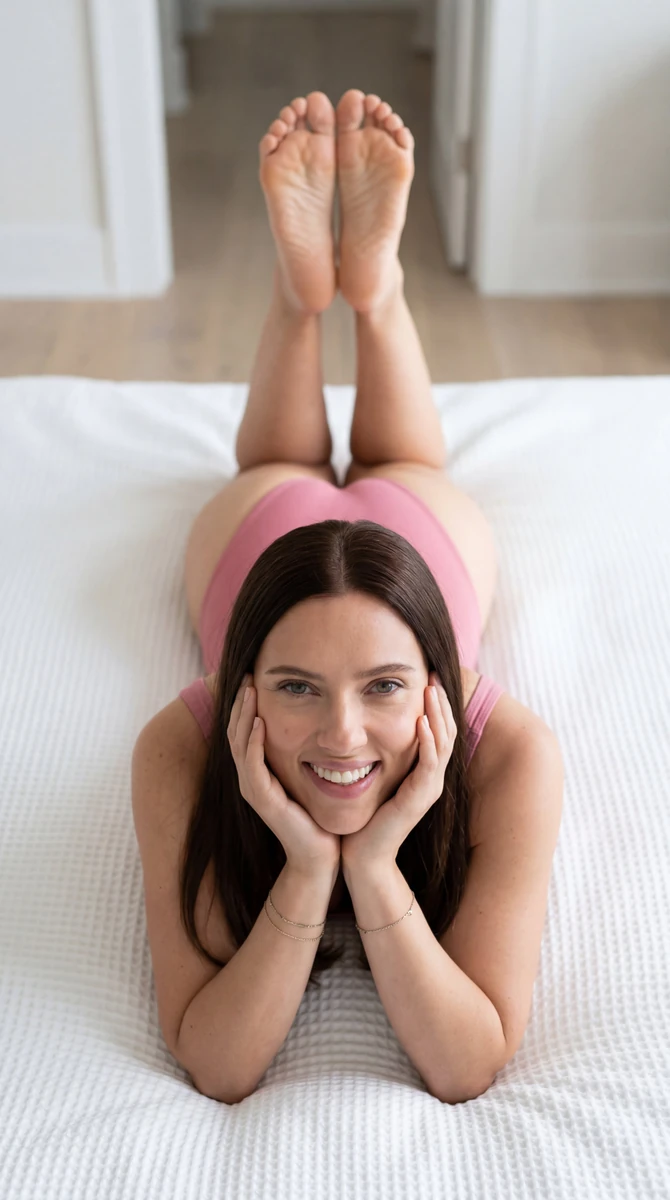
By @PinodiArt
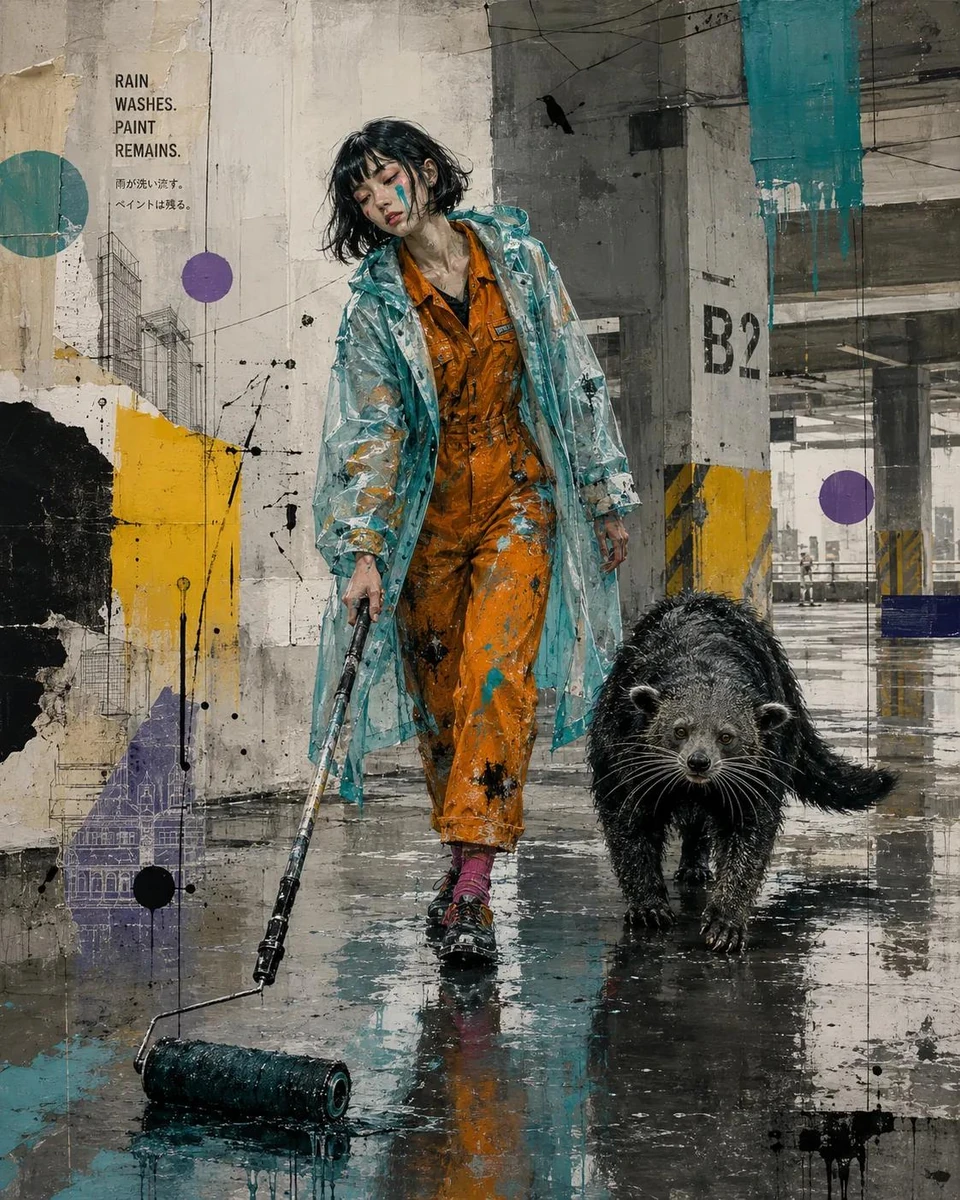
By @Taaruk_
Built for portraits, products, editorial shoots, landscapes, and cinematic photography, this tool uses the site's proven AI workflow while applying a focused output format instead of returning a generic description.
The generator is configured to turn a subject into a photo prompt with camera, lens, composition, lighting, and mood details, so the result is useful without rebuilding it from a generic prompt.
Start with a written idea or, where supported, upload a reference image. The workflow is suited to portraits, products, editorial shoots, landscapes, and cinematic photography.
Copy camera-ready photography prompts into your preferred AI workflow, then adjust language, detail, or generation mode when you need another direction.
Answers about using Photography Prompt Generator and getting useful results.
Photography Prompt Generator uses AI to turn a subject into a photo prompt with camera, lens, composition, lighting, and mood details. It is designed for portraits, products, editorial shoots, landscapes, and cinematic photography and returns camera-ready photography prompts.
Enter an idea or upload an image when that mode is available, choose the output settings, and select Generate. You can copy the result immediately.
Yes. The result is plain text that you can copy, edit, shorten, or expand before using it in another AI tool.
Yes. You can use the tool online for free, and no account is required to start generating.